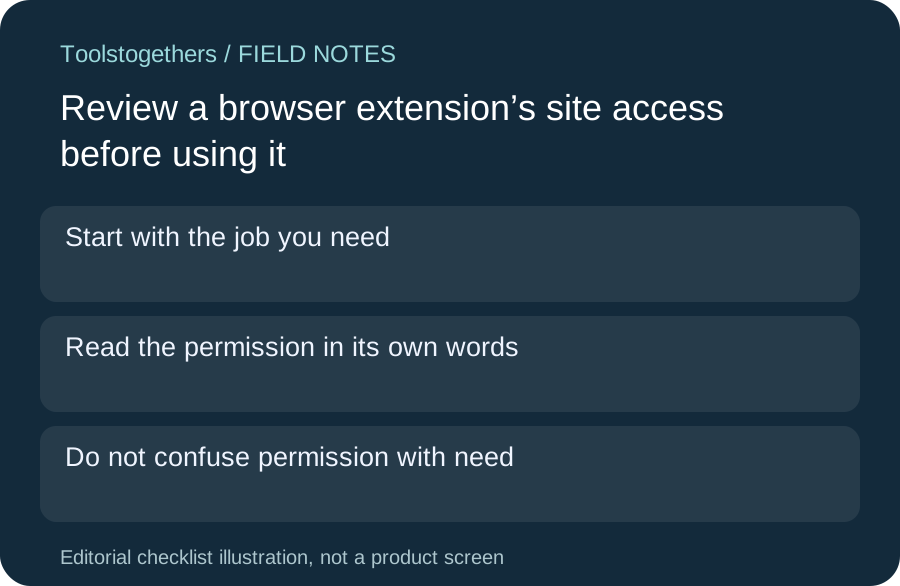
Start with the job you need
An extension that helps on one work site may request access to many sites. Write the smallest task you want it to do before approving permissions. This is a selection checklist, not a recommendation to install an extension or a claim that a directory review proves it is safe.
Read the permission in its own words
Chrome’s help explains that some extensions can read and change site data. Its site-access controls can allow use on selection, on specific sites or on all sites, depending on the extension. Review the actual installed version and available controls rather than relying on an old screenshot.
Do not confuse permission with need
A broad permission may be technically available without being necessary for your workflow. Try the narrowest supported site scope with harmless sample content. If the tool cannot do the needed job at that scope, document the trade-off before granting more access.
Check the limits of the control
Chrome notes that these site-data permission changes apply to matching host permissions and do not control every lower-level capability, such as VPN or proxy behavior. Do not describe a narrow site-access setting as a complete privacy boundary. Recheck a permission request after a relevant update.
Keep a small decision record
Record the extension name, version, task, approved site scope and reviewer. Include the official source: https://support.google.com/chrome/answer/2664769?hl=en . If removing or disabling it would affect a team workflow, plan that change with the owner rather than silently altering someone else’s browser.