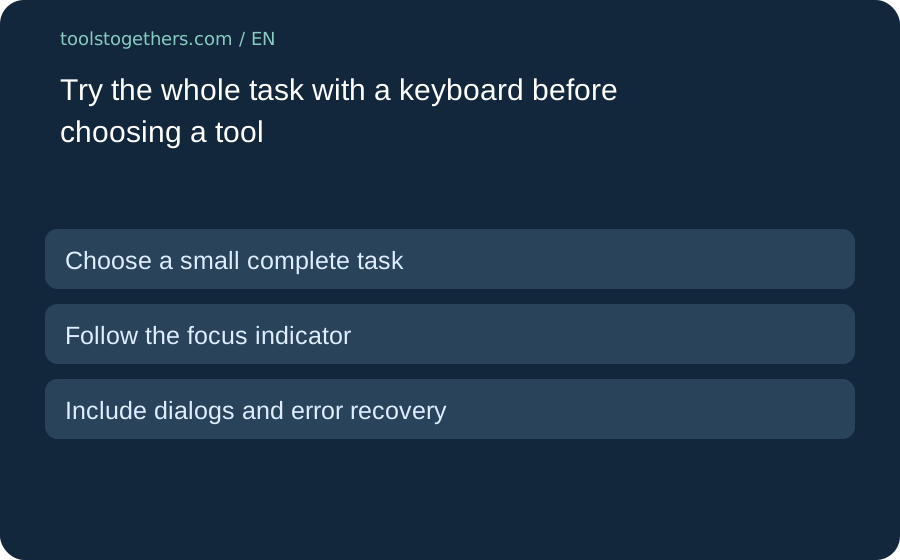
Choose a small complete task
A page that opens is not the same as a task you can finish. Pick one harmless workflow, such as creating a sample note, changing its title and finding it again. Write the start and end points before testing. Do not enter private client data merely to explore the interface.
Follow the focus indicator
Use the keyboard to move through the controls offered by the page. Check whether you can see which control has focus and whether the order matches the task. Record the browser and device you used. One successful route is evidence about that route, not a certification that every feature is accessible.
Include dialogs and error recovery
Open the menu or dialog needed for the sample and check how you leave it. Try a harmless invalid value where the form permits it, then read the error and correct the field. Do not send a real message, delete work or approve a payment as an accessibility test. Stop at an irreversible action.
Keep a narrow comparison record
Write what worked, where focus became unclear and what remained untested. If a tool needs a workaround, record it beside the exact task rather than hiding it in a general score. Compare the same sample in the alternative tool. This is a suggested manual trial, not a claim that Toolstogethers has tested or certified every listed product.