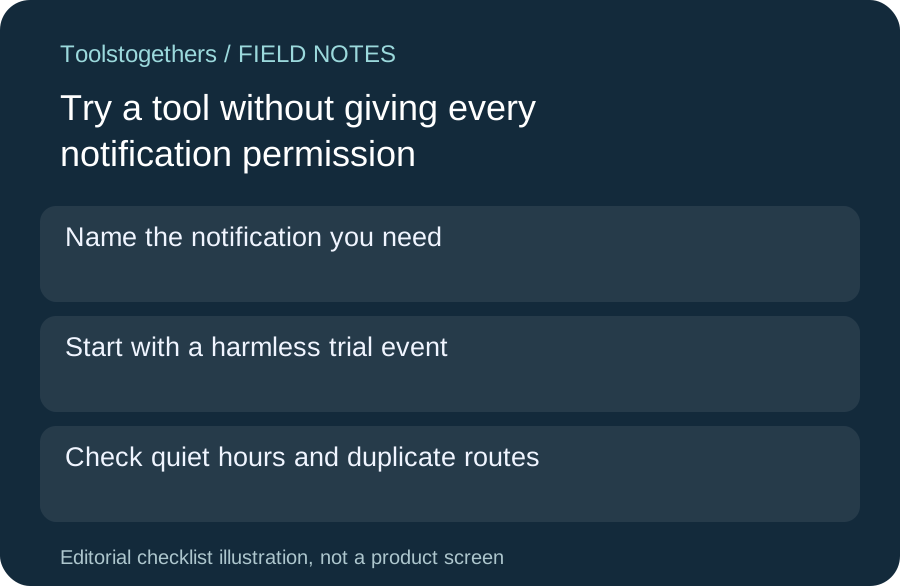
Name the notification you need
Before accepting a notification prompt, write which event should interrupt you and on which device. A useful alert might be a completed export, while general product updates may not help your task. Permission to show notifications and subscription to marketing email are different choices. Review each separately.
Start with a harmless trial event
Use a small sample and trigger the specific event once. Check whether an alert arrives, which account it refers to and what appears on the lock screen. Do not put private customer information into a trial notification. A successful test does not prove all future alerts will arrive on time.
Check quiet hours and duplicate routes
A tool may send both email and browser alerts for the same event. Review the controls it actually offers, along with your device settings, and choose the smallest useful set. Do not assume disabling one channel disables the other. On shared devices, consider who else can read an alert preview.
Know how to undo permission
Find the supported notification controls before a trial becomes routine. Distinguish muting a category, revoking browser permission and signing out. Keep a short note of the route that worked. These steps can differ by tool and browser, so a screenshot from another product is not an exact instruction.
Keep a fallback for important work
If a missed alert would matter, keep an independent deadline or agreed check rather than relying on the notification alone. Record what was tested and what remains uncertain. This checklist helps evaluate tools in a directory; it does not claim every listed product supports category controls, quiet hours or guaranteed delivery.