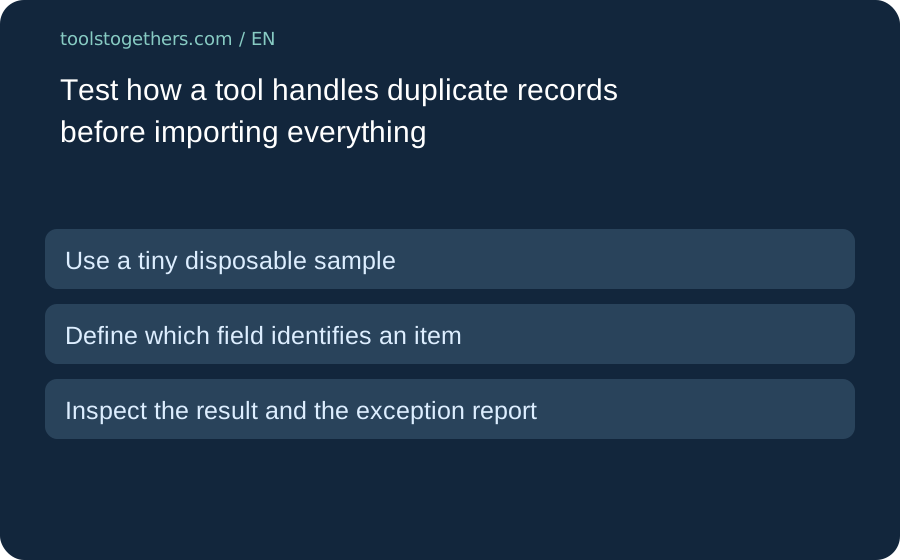
Use a tiny disposable sample
Before a large import, create a few non-sensitive test records. Include two exact duplicates and two similar names that are genuinely different items. Keep the original sample outside the tool. A successful upload does not tell you whether repeated rows were merged, rejected or silently added twice.
Define which field identifies an item
A shared display name is not always a unique identity. Two contacts can have the same name and two products can have similar labels. Read the tool documentation for its supported matching fields and import options. Do not choose an email address or an external identifier as a matching key without checking whether it is stable for your data.
Inspect the result and the exception report
Count the records after the trial and open the individual items. Check whether notes or attachments changed, and keep any rejected-row explanation. If the tool updates existing entries, verify which fields it overwrites. Do not run a second import on the full dataset until the small trial has an outcome you can explain.
Keep recovery separate from the trial promise
Record the tested version, options and outcome. Confirm the supported export or rollback route before importing real work. This is an evaluation method, not a claim that every tool listed by Toolstogethers supports duplicate detection, reversible imports or the same free-plan limits. Review the provider current documentation for the exact product.